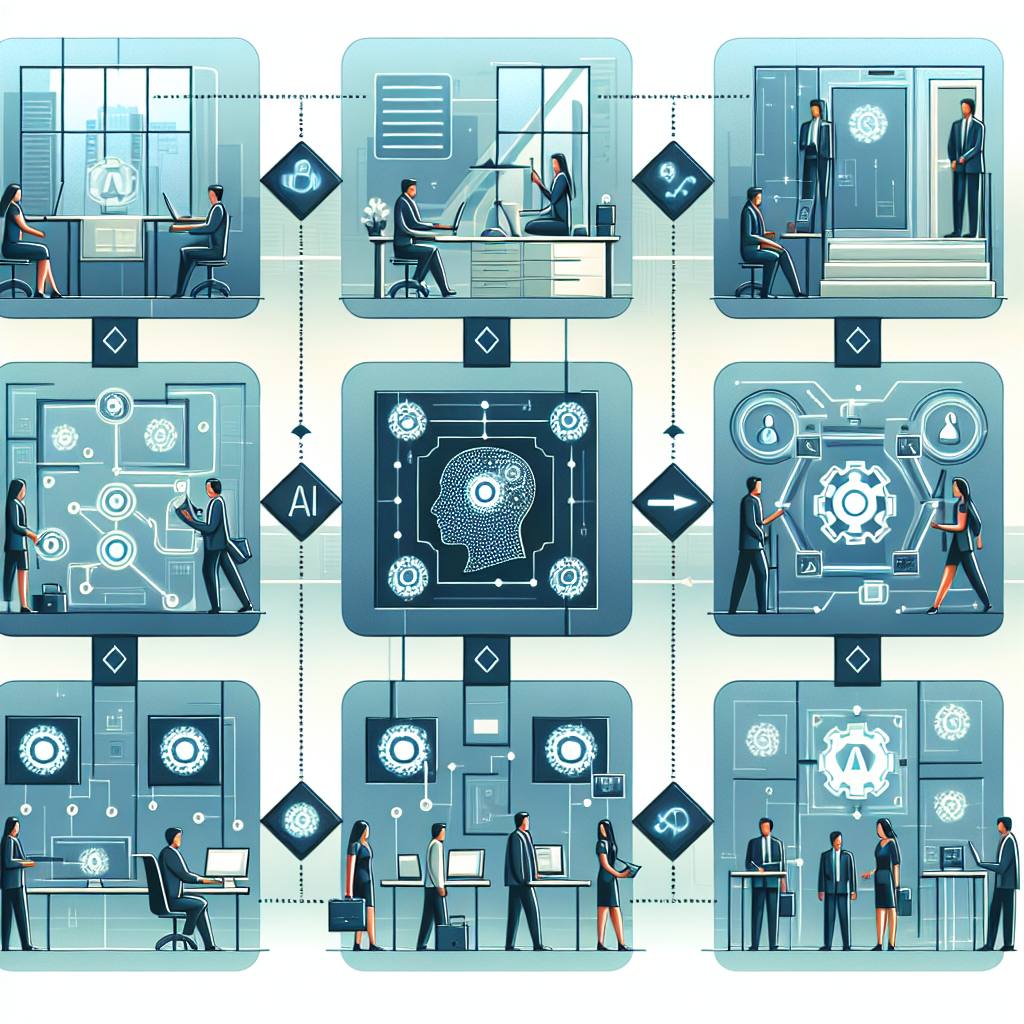
Use cases only matter when they become repeatable workflows your team can run every day. This guide shows eight real scenarios, with step-by-step implementation details, so you can automate messaging, lead handling, bookings, and post-sale service across channels.
Most teams talk about automation in abstract terms: faster replies, fewer missed leads, better customer experience. But the moment you try to implement it, you hit real-world questions: What exactly should be automated? Where does the data come from? What happens when the customer changes their mind? How do you keep quality high when the inbox never sleeps?
This article is built as a “workflow portfolio” you can copy into your business. Each scenario is a practical use case with a clear trigger, steps, handoffs, and success metrics. The examples assume messaging-first customer communication (WhatsApp, Instagram, Telegram, Facebook Messenger, and web chat) because that is where operational load tends to spike. Platforms like Staffono.ai are designed for this exact environment, providing 24/7 AI employees who can handle customer conversations, bookings, and sales across multiple channels while staying aligned with your rules.
What makes a use case “deployable”
A deployable use case has four ingredients:
- A clear trigger: a message, form submission, comment, missed call, or payment event.
- A predictable workflow: steps that happen the same way most of the time.
- A safe exception path: what happens when the AI is uncertain or the customer has an edge case.
- A measurable outcome: speed, conversion, resolution rate, cost per ticket, or retention.
As you read the scenarios below, keep a simple rule: start with one workflow that removes repetitive back-and-forth, then expand once you can measure reliability.
Scenario 1: Instant lead qualification from “How much is it?”
Where it shows up
Instagram DMs, WhatsApp, web chat, and Facebook Messenger. A prospect asks for pricing, but the real need is to confirm fit and capture contact details.
Step-by-step workflow
- Trigger: Incoming message contains intent like price, cost, quote, packages.
- AI action: Ask 2 to 4 qualifying questions (budget range, timeline, location, specific need).
- AI action: Provide a tailored price range or package recommendation based on answers.
- AI action: Capture details (name, email, preferred channel) and ask permission to follow up.
- Handoff: If deal size or urgency is high, notify sales immediately with summary and transcript.
- Follow-up: If the lead goes quiet, send a reminder after a defined delay with one helpful option (calendar link, brochure, quick call).
Implementation tips
- Define a “qualified lead” rule set: for example, budget above X or timeline within Y days.
- Build a response library with boundaries: what you can quote instantly vs what requires a human estimate.
With Staffono.ai, an AI employee can run this conversation across channels 24/7, tag the lead, and route hot opportunities to a human closer while keeping the customer experience consistent.
Scenario 2: Appointment booking with conflict-free scheduling
Where it shows up
Clinics, salons, home services, consultancies, fitness studios, and B2B demos.
Step-by-step workflow
- Trigger: Customer asks for availability, booking, schedule, or “Can I come tomorrow?”
- AI action: Confirm service type, duration, and any prerequisites (address, symptoms, equipment, prep).
- AI action: Offer 2 to 3 available time slots, not an open-ended question.
- AI action: Collect required booking fields (name, phone, location) and confirm the slot.
- AI action: Send confirmation plus reschedule and cancellation instructions.
- Post-booking: Automated reminder sequence (24 hours and 2 hours before) with one-tap confirmation.
Implementation tips
- Decide how to handle late arrivals, deposits, and no-shows upfront and make the policy part of the flow.
- Use a short “booking summary” message to reduce misunderstandings.
Staffono.ai can act as the always-on booking coordinator, reducing missed appointments and eliminating the “Are you free at 3?” ping-pong that drains your team.
Scenario 3: Comment-to-DM conversion for social proof driven sales
Where it shows up
Instagram posts and stories, especially product drops, promotions, and before-after content.
Step-by-step workflow
- Trigger: Someone comments with intent: “info,” “price,” “link,” “details.”
- AI action: Send a friendly DM that references the post and offers the right next step (catalog, sizes, availability, booking).
- AI action: Ask one micro-question that segments intent (personal use vs gift, city, timeline).
- AI action: Provide options and drive to purchase or booking.
- Tracking: Tag the source as “IG comment” to measure conversion.
Implementation tips
- Keep the first DM short and personalized so it feels human.
- Use a single “recommended option” plus 1 alternative, not a full menu dump.
This is a strong fit for omnichannel AI employees in STAFFONO.AI because it captures demand at the moment attention is highest and keeps the conversation moving without waiting for your team to come online.
Scenario 4: Quote-to-invoice workflow for service businesses
Where it shows up
Agencies, installers, maintenance companies, freelancers, and any team that sends estimates through chat.
Step-by-step workflow
- Trigger: Customer asks for a quote or shares requirements.
- AI action: Collect structured inputs (scope, size, location, preferred dates, photos if applicable).
- AI action: Generate a quote summary with assumptions and ranges.
- AI action: Confirm acceptance and preferred payment method.
- System action: Create invoice in your payment tool and send link.
- AI action: Confirm payment, schedule the job, and send preparation instructions.
Implementation tips
- Create a “quote checklist” so the AI knows what must be collected before pricing.
- Build guardrails: if the job is above a threshold or outside service area, route to a human.
When implemented through Staffono.ai, the AI employee can standardize intake, reduce time-to-quote, and ensure every estimate is logged and followed up instead of getting lost in chat history.
Scenario 5: Support triage that resolves simple issues and escalates the rest
Where it shows up
Ecommerce, SaaS, logistics, and subscription businesses handling “Where is my order?” and “How do I reset?” requests.
Step-by-step workflow
- Trigger: Support request arrives in any channel.
- AI action: Identify intent category (order status, refund, technical issue, account change).
- AI action: Verify identity with safe checks (order number, email, last 4 digits, OTP if needed).
- AI action: Provide resolution steps or status update.
- Escalation: If policy exception or high emotion, route to a human with a concise case summary.
- Closure: Ask if the issue is resolved and log the outcome for reporting.
Implementation tips
- Define “allowed actions” for the AI (issue status updates, policy explanations) vs “restricted actions” (manual refunds).
- Write escalation rules based on keywords (chargeback, legal, threat) and sentiment.
Because Staffono.ai operates 24/7 across WhatsApp, Instagram, Telegram, Facebook Messenger, and web chat, your customers can get answers outside office hours while your human team focuses on exceptions and complex cases.
Scenario 6: Lead reactivation for dormant conversations
Where it shows up
Any business with long consideration cycles: real estate, education, high-ticket services, B2B.
Step-by-step workflow
- Trigger: No response for a set period (for example, 48 hours after a quote or 7 days after a demo).
- AI action: Send a helpful nudge that adds value (FAQ, comparison, case study, availability update).
- AI action: Offer two clear next steps: “Book a call” or “Ask a question here.”
- AI action: If they respond, continue qualification and route if ready.
- Stop conditions: If they say no or unsubscribe, end politely and tag as closed-lost.
Implementation tips
- Rotate message angles so it does not feel like spam.
- Use business rules to avoid contacting people at inappropriate hours.
Scenario 7: Upsell and cross-sell triggered by delivery or completion
Where it shows up
After a purchase, after a service visit, or after onboarding completion.
Step-by-step workflow
- Trigger: Delivery marked complete or service marked done.
- AI action: Confirm satisfaction with one question and a fast reply option.
- AI action: Recommend a complementary add-on based on what they bought (accessories, maintenance plan, refill).
- AI action: Handle objections and provide a one-click purchase or booking link.
- Feedback loop: If they report an issue, switch to support triage workflow.
Implementation tips
- Keep the offer context-specific and time-bound (for example, within 7 days).
- Prioritize customer experience over revenue, especially if satisfaction is uncertain.
Scenario 8: Internal operations routing from the same inbox
Where it shows up
Teams who receive partner requests, supplier questions, job applications, and admin tasks in the same channels as customers.
Step-by-step workflow
- Trigger: Message matches non-customer intents (partnership, press, careers, invoices).
- AI action: Collect required fields (company name, request type, documents).
- AI action: Route to the right internal owner with a structured summary.
- AI action: Set expectations on response time and confirm receipt.
Implementation tips
- Create a simple internal routing map: Finance, HR, Sales, Support, Operations.
- Use standardized intake questions so internal teams stop chasing missing details.
How to roll these out safely in the real world
Pick one scenario, then implement it in three layers:
- Layer 1: Answer quality with a limited scope and clear rules.
- Layer 2: Data capture so every conversation produces usable CRM or booking inputs.
- Layer 3: Automation that triggers follow-ups, handoffs, and reporting.
Before you scale, test with real conversations for a week and review transcripts. Update your rules where customers get confused, and define escalation for everything high-risk.
Metrics to track (so you know it is working)
- First response time by channel and time of day
- Qualification rate and booking rate
- Resolution rate without human involvement
- Drop-off points in multi-step flows
- Customer satisfaction signals (thank-you messages, fewer repeats, fewer complaints)
If you want to implement these workflows without building a custom system from scratch, Staffono.ai is a practical starting point. Staffono provides AI employees that work 24/7 across WhatsApp, Instagram, Telegram, Facebook Messenger, and web chat, and they are designed to handle the repetitive conversations that slow down growth. When you are ready, you can start with one use case, measure results, and expand your portfolio into a full automation layer that supports sales, support, and operations.